Building a QuickBooks bank feed integration puts you into a different system than the standard QuickBooks Online API. Bank feeds in QuickBooks run through Intuit's Financial Data Partner (FDP) program and the Open Financial Exchange (OFX) protocol, completely separate from the accounting API you'd use for invoice sync or customer records. The FDP partnership covers the full Intuit product suite: one approved Branding ID makes your institution connectable in QuickBooks, Quicken (personal finance software), and Credit Karma (Intuit's financial health platform with 130+ million members).
This guide covers the native path: the three connection types, what the partner program actually requires, where FDX fits today, and what to expect for QuickBooks Desktop.
The Three Connection Types
Intuit supports three distinct methods for bank connectivity across its products. They're not interchangeable, and each targets a different product surface with a different implementation approach.
Web Connect is the simplest option. The user downloads a .qbo file from their online banking portal and imports it manually into QuickBooks Desktop or QuickBooks Online. There's no direct server-to-server communication, and no credentials are stored inside QuickBooks. Intuit classifies it as a connectivity type, but the user is doing the work. It's the fallback for banks without an active Intuit BID (Branding ID) and still widely used by institutions that haven't gone through the full partner process.
Direct Connect is the real-time native option for QuickBooks Desktop and Quicken. When a user initiates a download from inside QuickBooks, QuickBooks calls your OFX server, authenticates with the user's credentials, and retrieves transaction data. It's the only two-way connectivity type, so it also supports bill pay and in-product transfers if your OFX provider makes those available. This is the integration your users mean when they say they want their bank to "just connect."
Aggregation (called Express Web Connect in Quicken) is Intuit-managed. Instead of calling your OFX server directly, Intuit's infrastructure retrieves transactions from your online banking site. This covers QuickBooks Online, Credit Karma, and Quicken. You don't maintain an OFX server for this path. Intuit creates and manages the connection once you have an approved Web Connect or Direct Connect BID. Whether aggregation is available for your institution depends on whether your online banking site is compatible with Intuit's extraction process.
For financial institutions trying to appear as a recognized provider inside QuickBooks, all three paths require becoming a contracted Intuit FDP partner. You receive a Branding ID, which is what makes your institution discoverable when a user searches for their bank in the "Link Account" flow.
Getting Listed as a Financial Institution
Getting your institution into QuickBooks isn't a self-serve process. There's no "create an app, get credentials, go live" flow like there is for the standard QBO accounting API. Intuit manages the FDP program separately, and the timeline is longer.
The process starts at intuit.com/partners/fdp. From there you choose either the direct OFX Connectivity path (for institutions running their own OFX servers) or the Third Party Provider path (if you're working through a service provider like Fiserv, Jack Henry, or a specialist middleware provider). Intuit's quote tool walks through pricing; there's a per-institution fee structure depending on which products and connection types you want to support.
Once contracted, you receive your Branding ID and begin implementation. For Direct Connect, that means building or configuring an OFX-compliant server that handles statement download requests and user authentication. Intuit certifies the connection before you go live in their institution list. The full timeline from initial inquiry to production listing can run 6 to 12 months or longer, and for smaller fintechs without established institutional credibility, Intuit often routes applicants through an approved service provider rather than engaging directly.
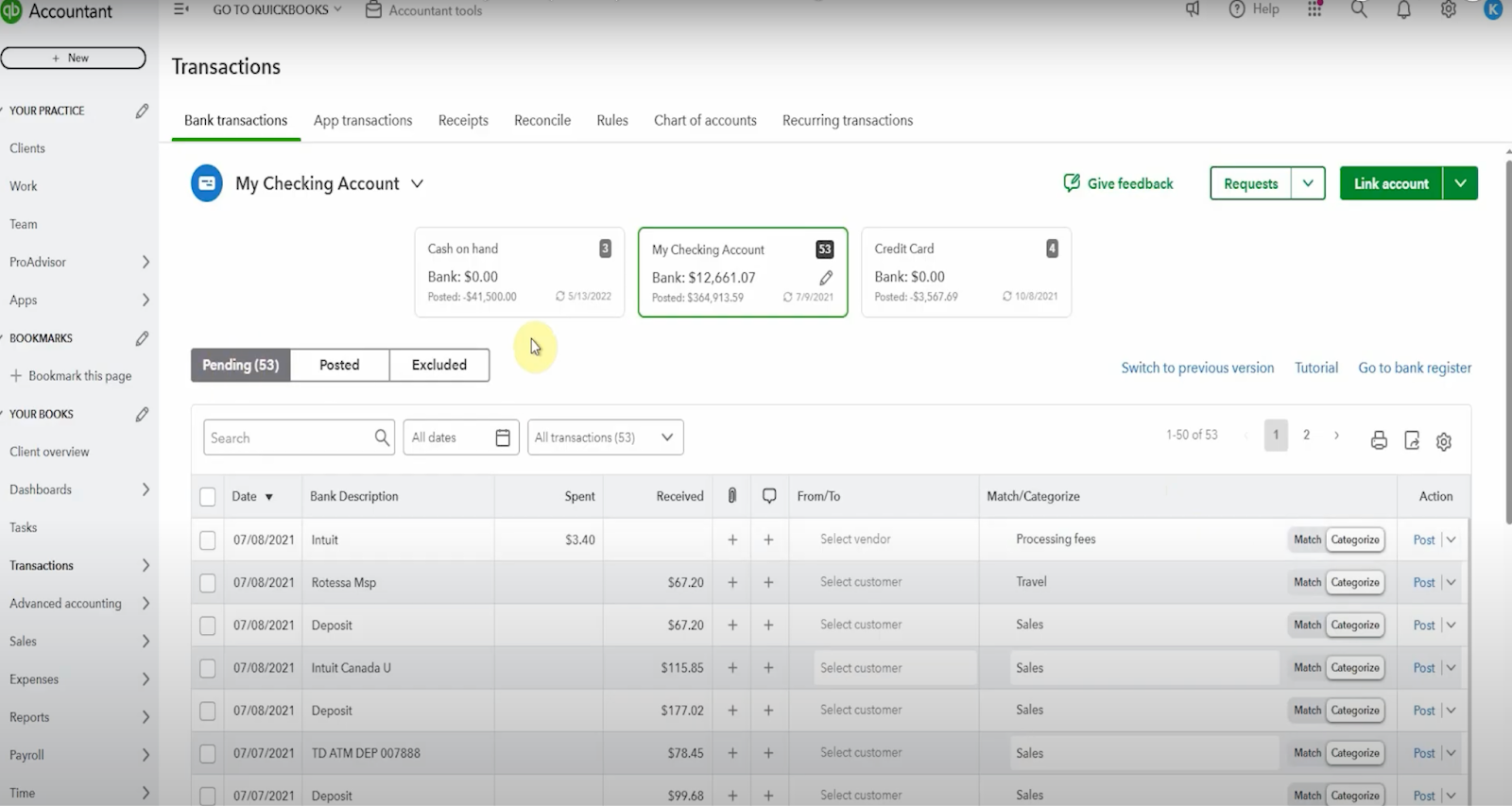
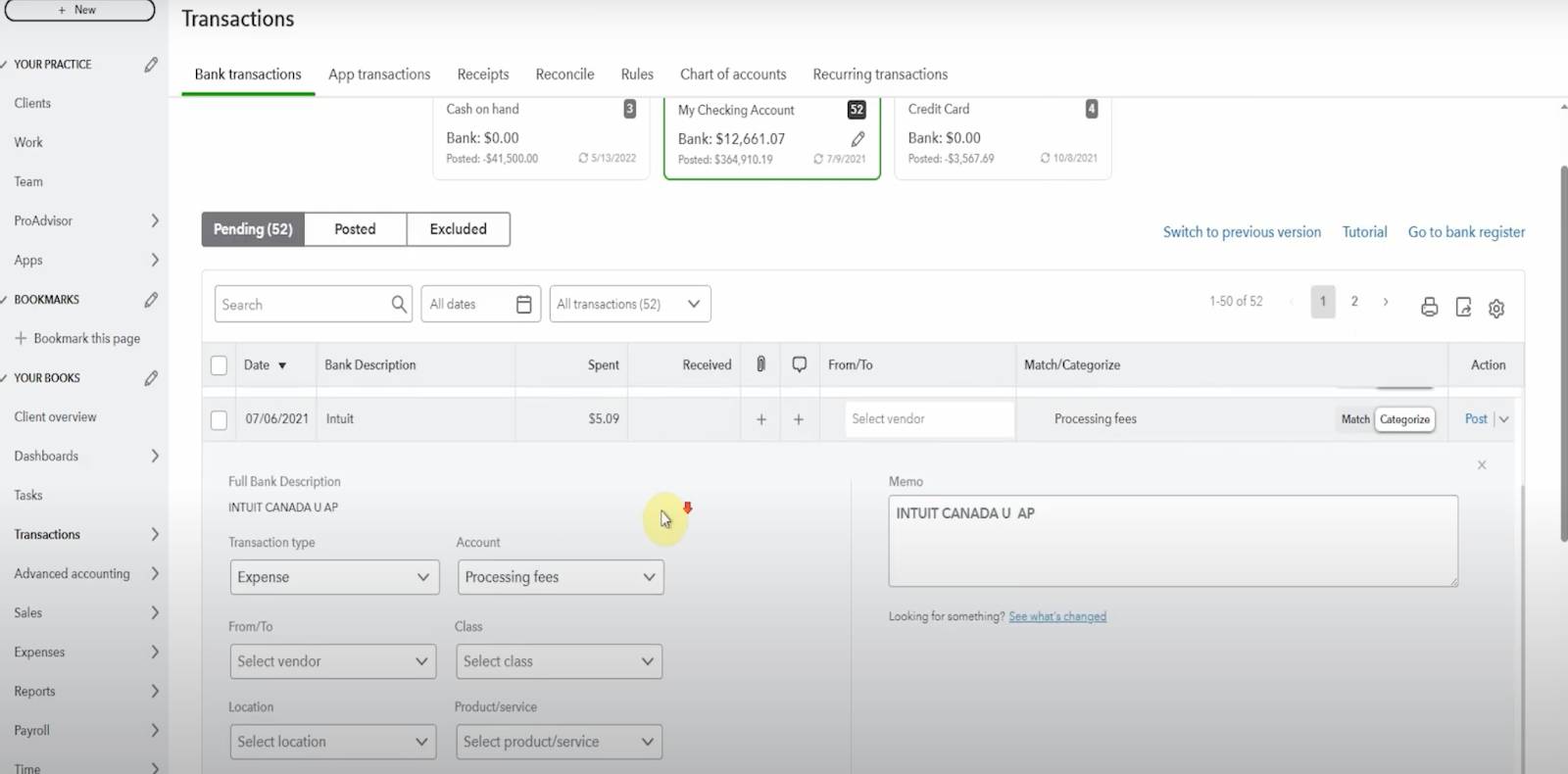
One nuance specific to QuickBooks Online: the bank feeds experience in QBO runs through aggregation, not Direct Connect. Intuit pulls data on their own schedule. You can't trigger a real-time push from your side. Transactions appear in the user's QuickBooks Banking tab on Intuit's pull cadence.
Geographic Scope
The FDP partnership program and OFX-based connectivity described in this guide applies to the US and Canada. Other markets run on different infrastructure.
In the UK, QuickBooks Online bank feeds operate through Open Banking under PSD2. Users connect through their bank's Open Banking authorization flow rather than an OFX server. The Intuit FDP program is not the path for UK institutions.
In Australia, Intuit is migrating all QBO bank feeds to Open Banking under the Consumer Data Right (CDR) framework. Legacy bank feed connections are being retired on 31 May 2026. Institutions connecting to QBO in Australia should be building toward CDR-compliant connectivity rather than OFX.
Where FDX Fits Today
FDX (Financial Data Exchange) is the modern open banking standard replacing OFX in North America. Founded in 2018 and recognized by the CFPB as an official standard-setting body in January 2025, FDX defines a RESTful API for consumer-permissioned financial data sharing, using OAuth 2.0 and the FAPI security profile. As of early 2026, more than 130 million consumer accounts are connected via FDX-aligned APIs, with major banks and aggregators including JPMorgan Chase and Plaid participating alongside more than 250 member organizations.
For a global view of open banking API coverage across financial institutions, see the Open Banking Tracker.
Where OFX uses a flat SGML-like structure over HTTPS, FDX is a proper REST API covering a much wider data surface: deposit accounts, loans, investments, insurance, payroll, and tax data. For banks already building FDX-compliant APIs to meet Section 1033 requirements, the natural question is whether that same API can power QuickBooks bank feeds.
For now, no. Intuit's bank feeds infrastructure for QuickBooks still runs on OFX. FDX and OFX serve different roles in the current ecosystem: FDX is the data-sharing standard for third-party access (aggregators, lending platforms, open banking apps), while OFX remains the protocol Intuit's own products use to pull transaction data from financial institutions. Whether and when Intuit moves QuickBooks bank feeds to an FDX-based connection model is not publicly committed to on any specific timeline.
Apideck does not yet support FDX as a source format for bank feeds. This is on the roadmap. As the market converges on FDX-based connectivity, it becomes the obvious path forward. For now, the OFX-based partner program remains the only native route into QuickBooks.
QuickBooks Desktop Bank Feeds
QuickBooks Desktop remains a material part of the market. When Intuit stopped selling Desktop Pro and Premier to new customers in July 2024, it moved that segment toward Enterprise rather than eliminating it. Roughly 3.7 million businesses run Desktop across the product line, and Enterprise continues to be sold, supported, and used by exactly the customers with the budget and complexity to care about deep accounting integrations.
Bank feeds in QuickBooks Desktop work through Direct Connect (OFX) and Web Connect. The user initiates a download from inside the Desktop application, which calls your OFX server, authenticates, and pulls the statement data. The experience is more synchronous than QBO's aggregation model. It requires your OFX server to be responsive when the user triggers a sync.
Apideck's support for QuickBooks Desktop bank feeds is coming. The accounting connector already covers QuickBooks Desktop for general accounting operations. Bank feed support for Desktop users who need automated transaction sync is the next step.
How to Think About the Build Decision
The native Intuit FDP partnership gives you the cleanest in-product experience. Your institution appears in the QuickBooks institution list, users connect through the standard flow, and you control the data pipeline through your OFX infrastructure or a service provider. The cost is partnership overhead and timeline.
Building natively means maintaining an OFX-compliant server, clearing Intuit's certification process, and managing ongoing compliance. For institutions needing to support multiple accounting platforms alongside QuickBooks, repeating this for Xero, Sage, and NetSuite multiplies that investment considerably.
Apideck's bank feeds connector is the alternative: one API integration that routes transaction data into QuickBooks, Xero, Sage, NetSuite, and 20+ other platforms through normalized endpoints, with Apideck managing the partnership and connection infrastructure on your behalf. If your engineering team's time is better spent on product than on OFX server certification cycles, that tradeoff is worth understanding clearly before you start.
For more on how bank feeds sit within a broader accounting integration strategy, see Bank API Integration: How Banks Connect to Accounting and ERP Systems.
Start a 30-day free trial to see how the bank feeds connector fits your architecture.
Ready to get started?
Scale your integration strategy and deliver the integrations your customers need in record time.